Help · Players
How to check in at a session
Check in with your booking's QR code, or scan the code your organiser shows at the venue.
1
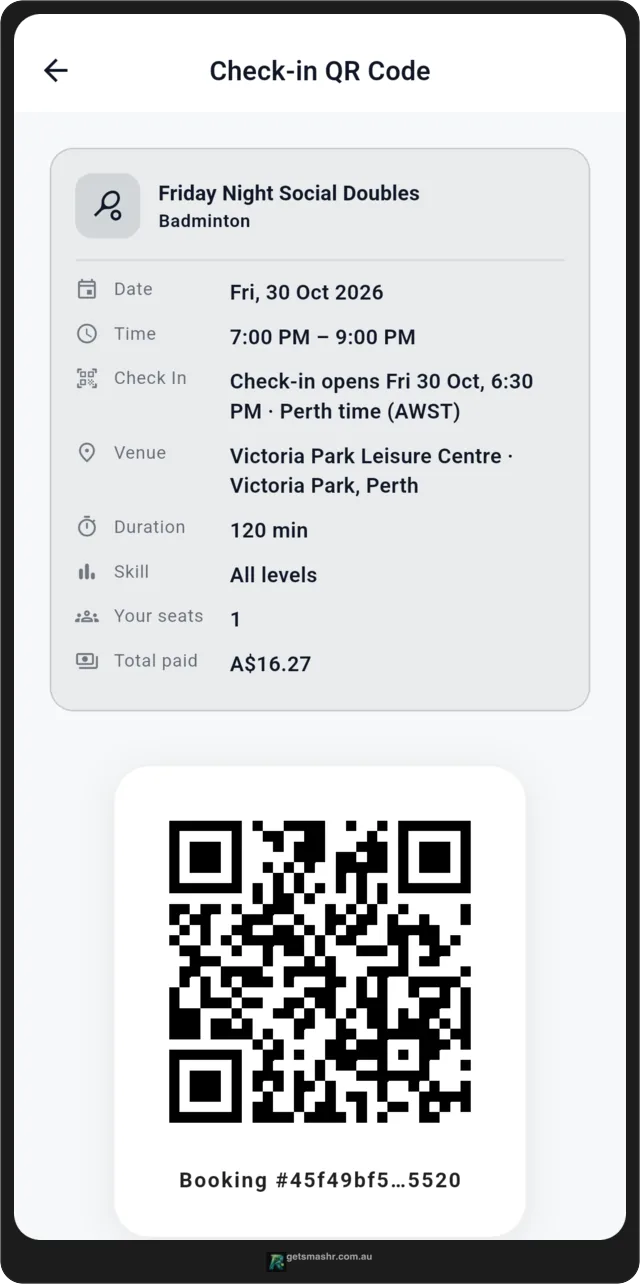
Open your booking's QR code
Tap Activity and open your booking. It shows your check-in QR code and when check-in opens — usually 30 minutes before the start. Show the code to the organiser to scan.
2
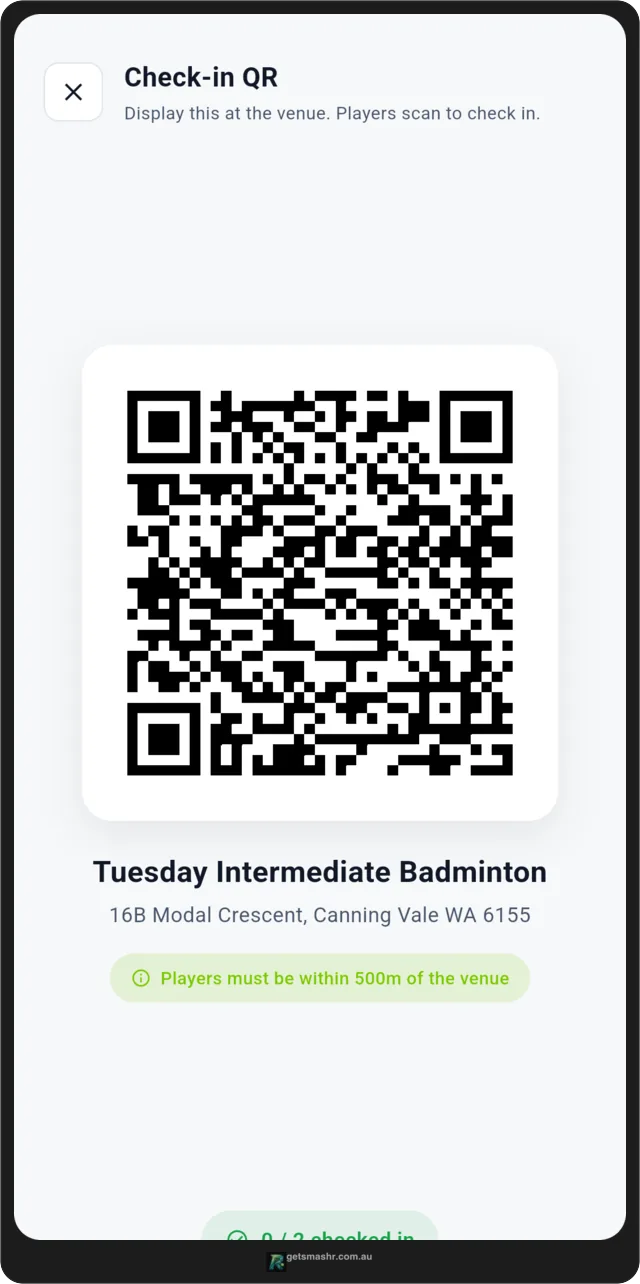
Or scan the venue code
If the organiser is showing a check-in QR code, tap Organiser showing a venue QR? Scan it to check in on your booking and point your camera at it. You need to be at the venue for this to work.
Still need help? Contact support
Email us and tell us what happened.
To help us find your booking, please include:
- the email address on your SmashR account
- the Session name and date, or the booking reference from your receipt
- a short description of the problem
- a screenshot, if it helps
Never send your password, full card number or card security code.